Making the web accessible to everyone

thehandbook.webflow.io

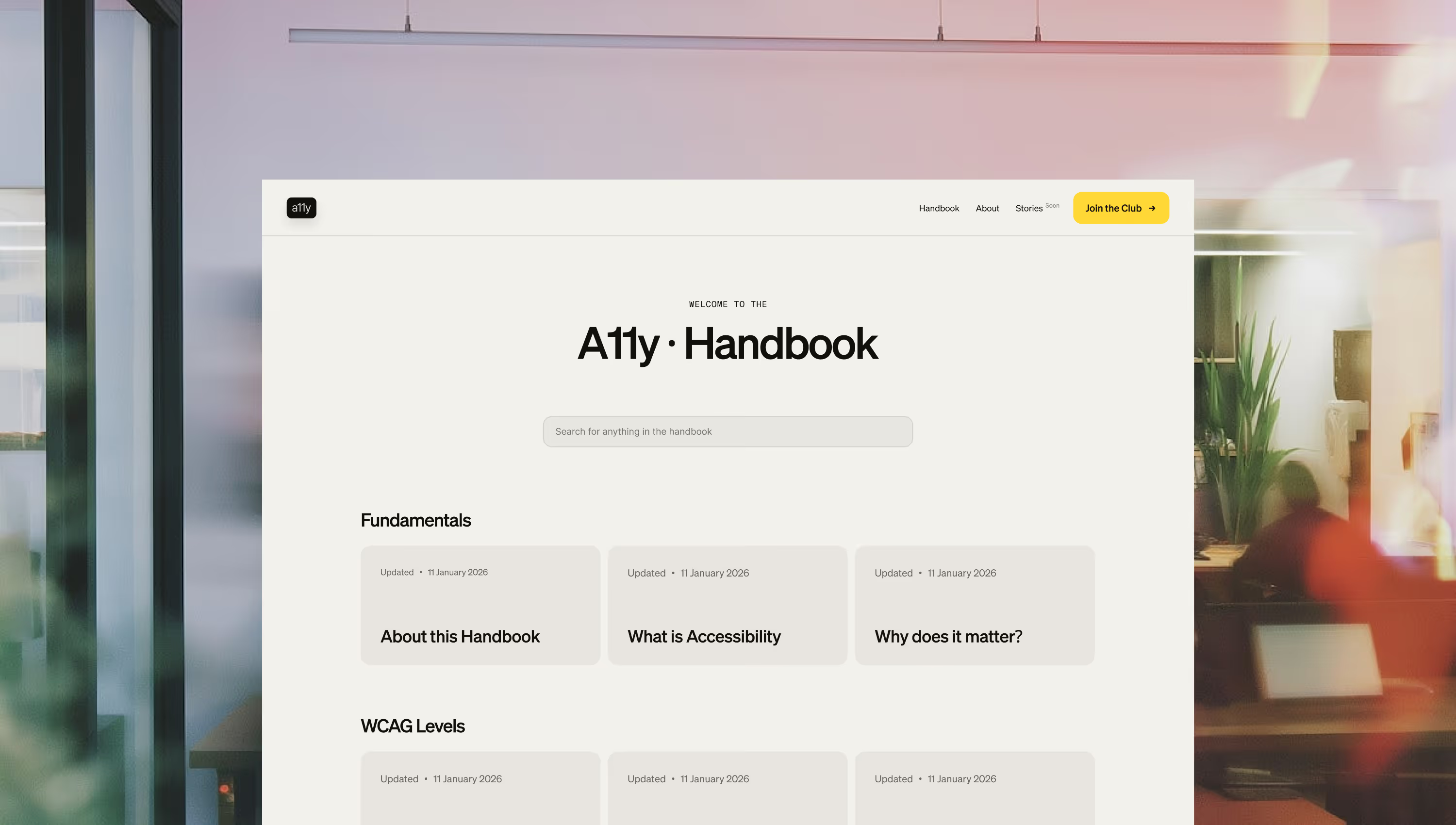
A11y · Handbook is a practical guide for accessible interface design that cuts through the noise and focuses on what people actually need to build with confidence. I created the handbook from the ground up, defining the content, structure, and approach to make it clear, practical, and actionable.

The handbook explains what matters and why it matters in a way that is clear and actionable. Readers can quickly identify barriers, understand their impact, and fix them early, without guilt, or theatrics.

Identifying the problem

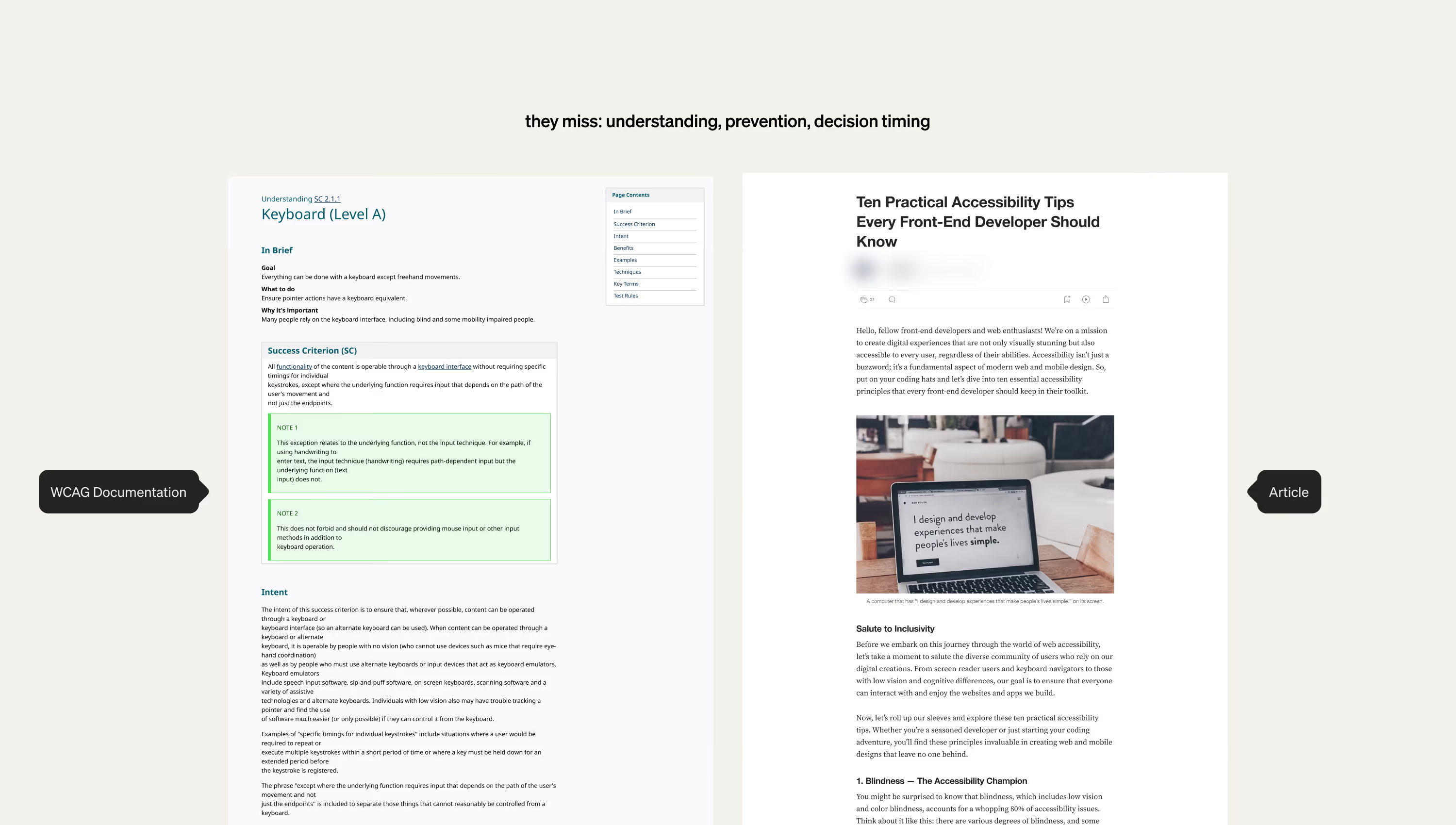
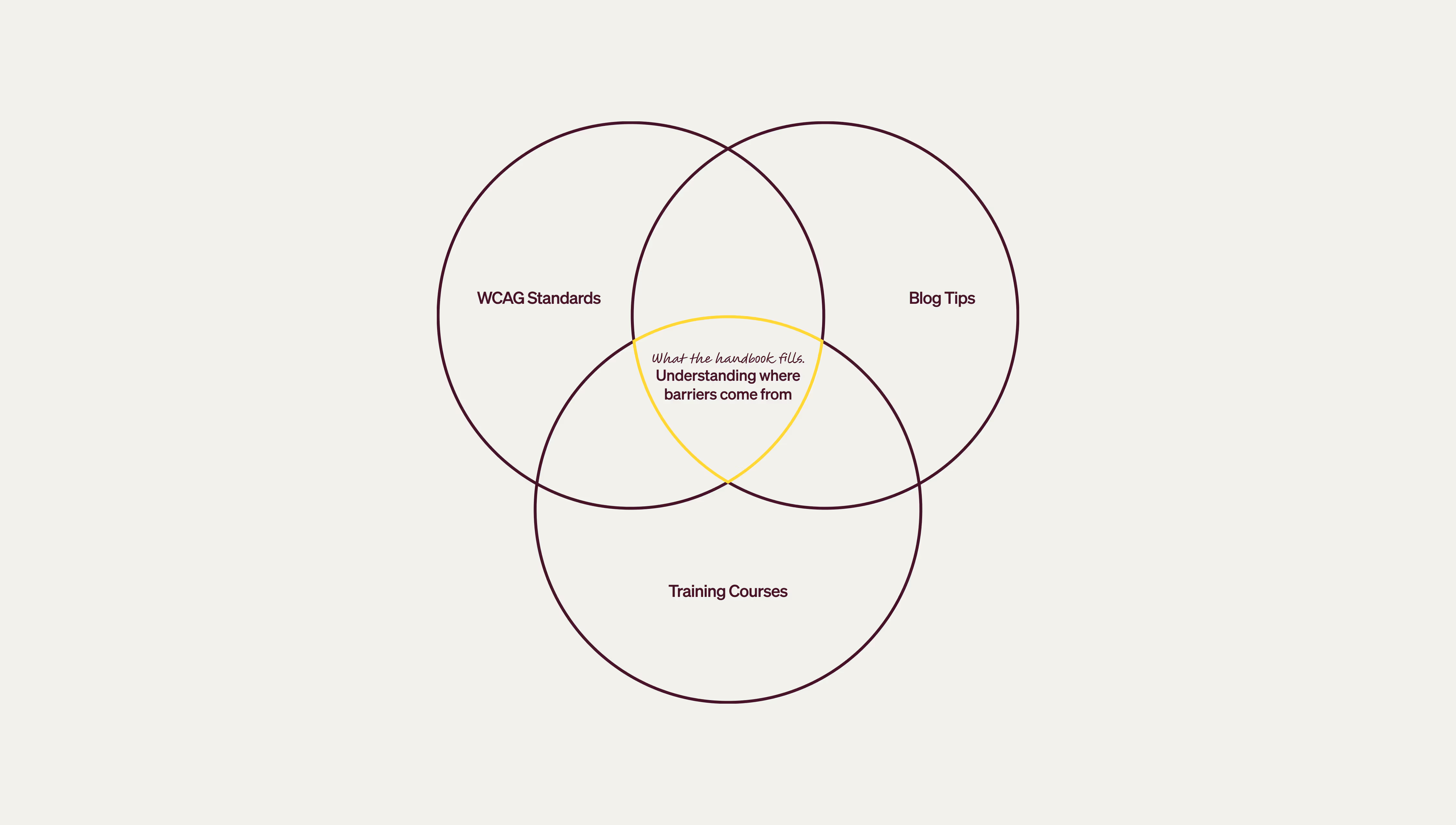
Most guidance on accessibility falls into one of three traps. It is either too abstract, too technical, or too moralizing. None of this helps people build better products. What teams really need is clarity. They need to know what to do, why it matters, and how it applies to real interfaces.

I see this same pattern across multiple accessibility projects. Teams are not failing because they do not care. They are failing because the resources are confusing, scattered, or impractical. This project is a response to that gap.

The issue is not awareness. The issue is translation.

Setting the constraints

The Handbook needed to work for people who were unsure where to start. I set three constraints from the beginning.
  • Content must be clear enough to read once and remember.
  • Everything must be grounded in real-world scenarios, not ideal conditions.
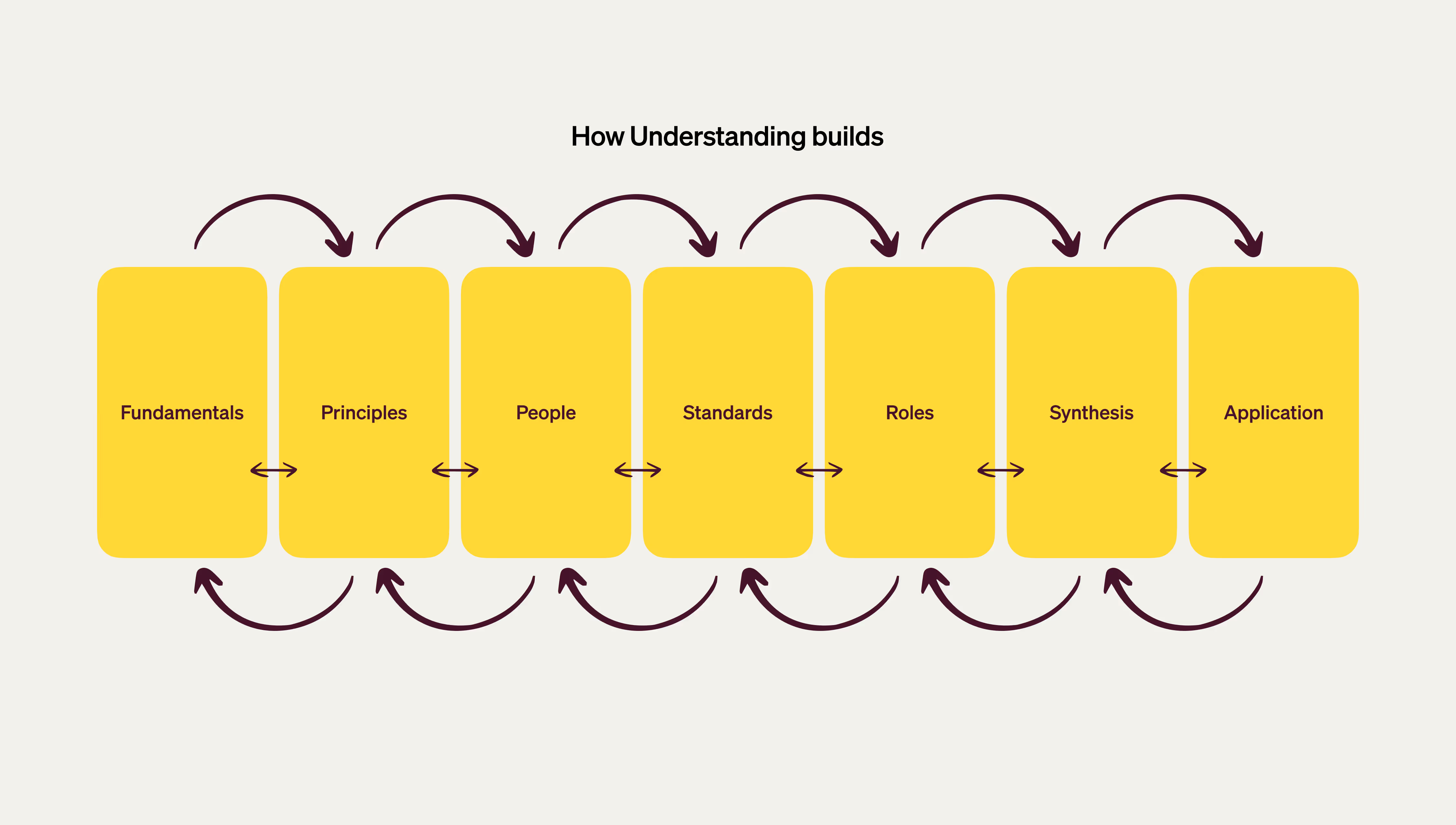
  • The structure must allow people to dip in and out without losing context.

The Process behind

Research: Looked at how people actually experience accessibility. Not just what the guidelines say, but where they break down in real life. Focused on the gaps, the frustrations, and the barriers that stop people from using what gets built.

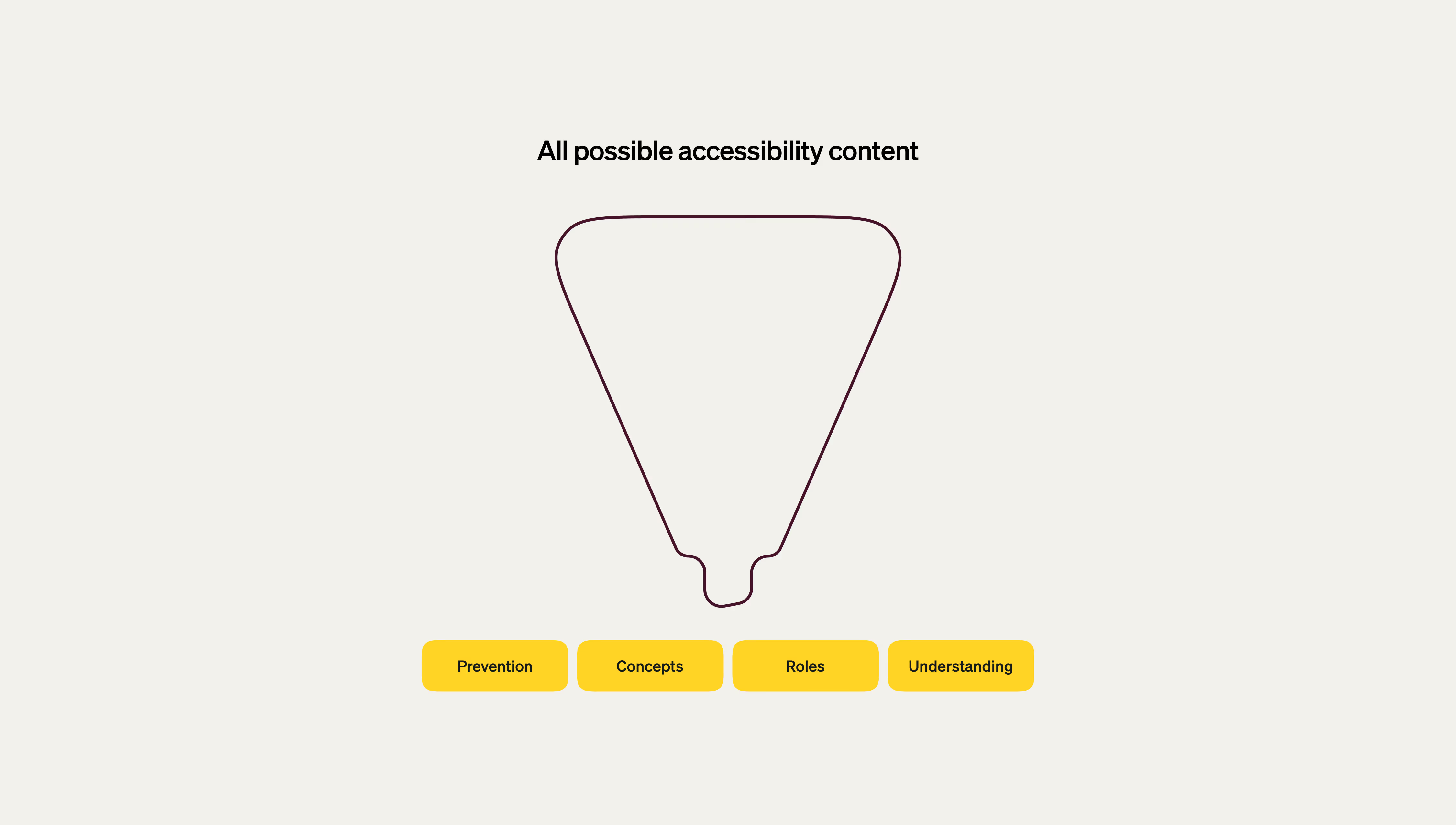
Planning: Stripped everything down to the core. No bloated structure, no endless theory. Just a straight path from problem to solution.

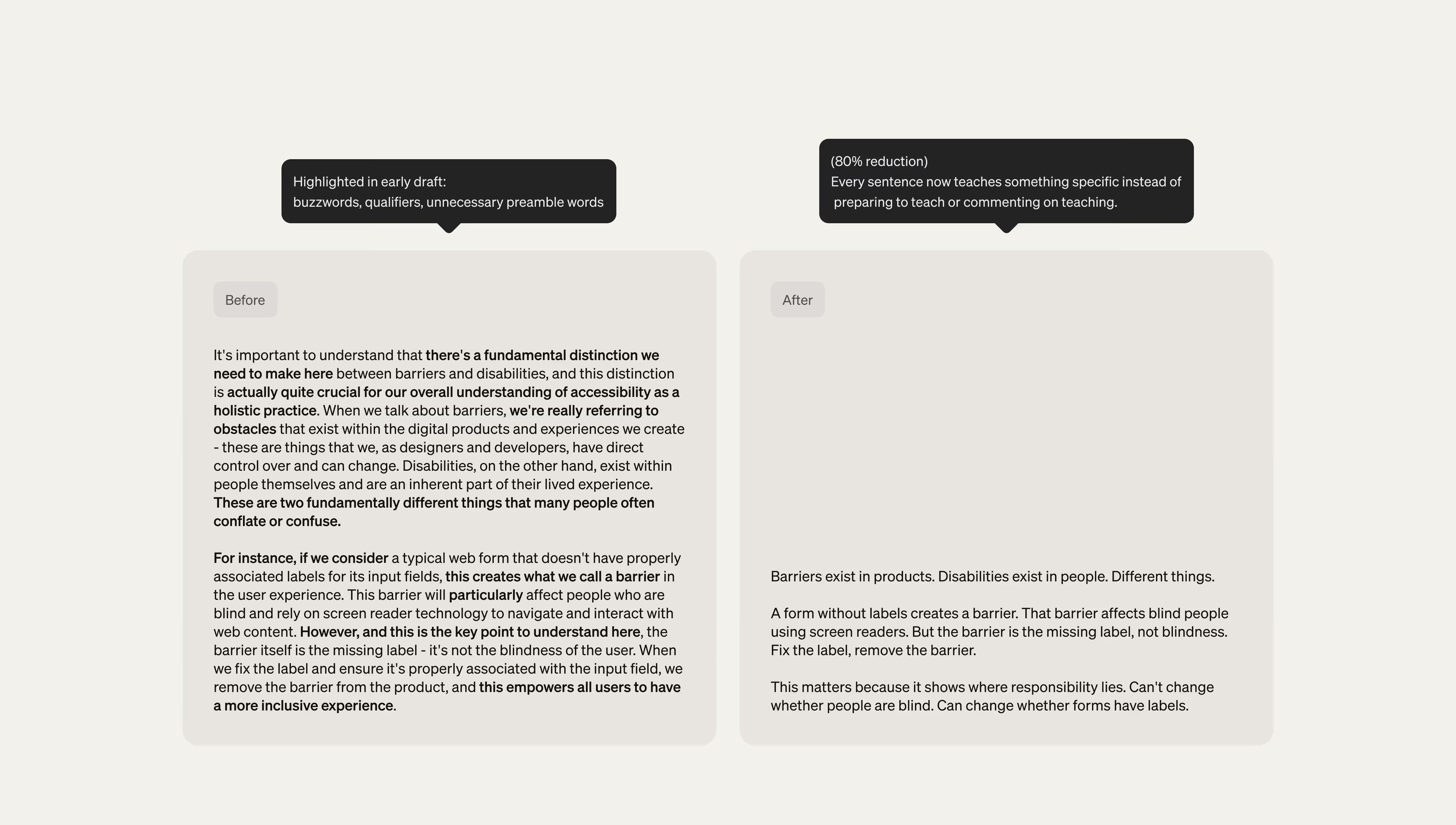
Content Creation: Clear, sharp, human. Cut the noise, ditched the filler. Every word had to earn its place or it was gone.

Design: Built for action, not decoration. Layouts that guide, not distract. Interfaces that get out of the way so the message comes through.

Testing: Asked the hard questions. Does this actually help someone build better right now, or is it just noise? If it was noise, it got cut.

Iteration: Nothing is final. This handbook is alive, built to grow with new insights, stories, and lessons.

Writing the content

The writing process was guided by three rules.
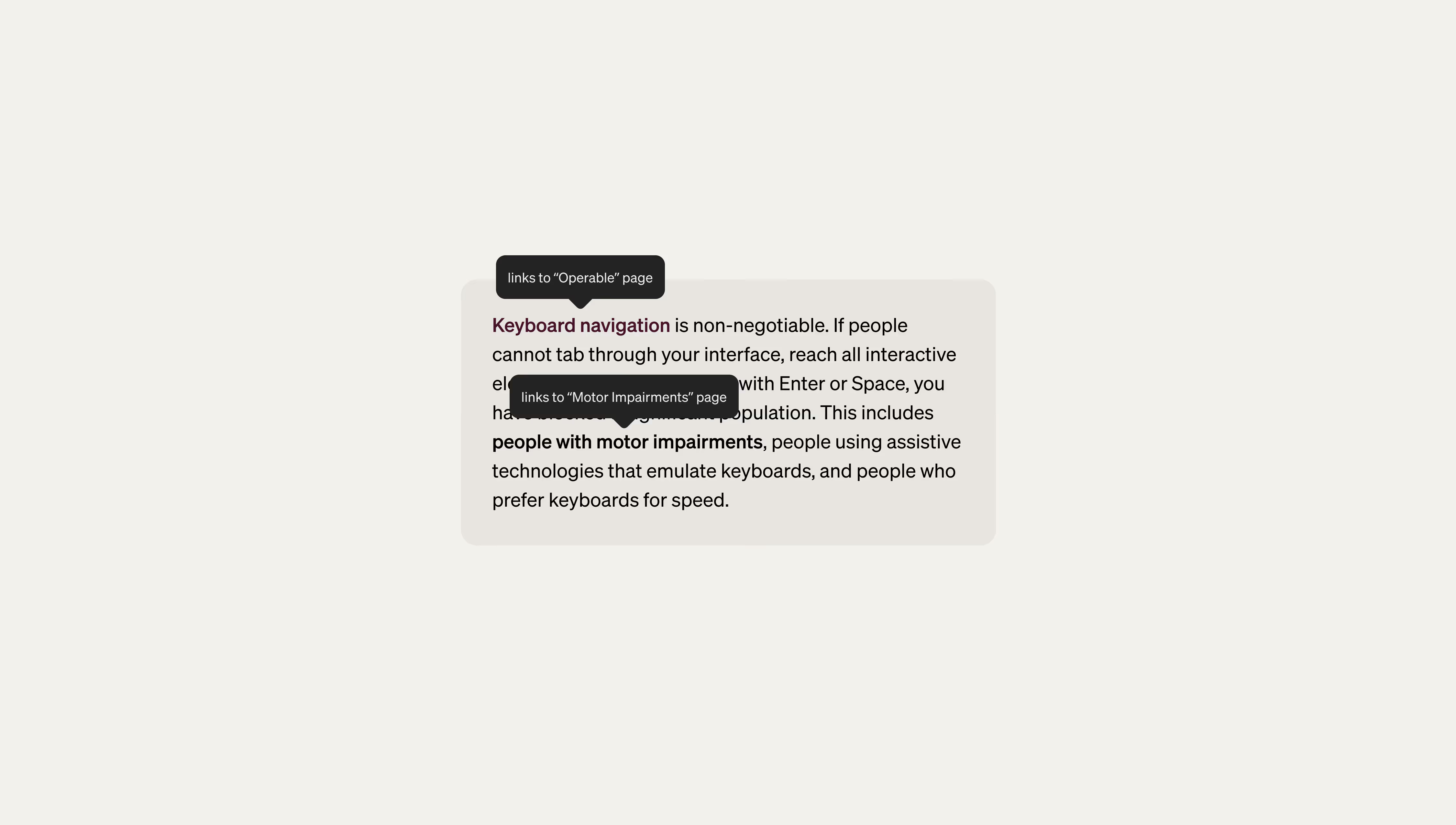
  • Be straightforward and use clear, simple language that makes ideas easy to understand.
  • Respect the reader’s intelligence by assuming they can grasp complex concepts without unnecessary explanation.
  • Give readers clear steps they can follow by providing actionable guidance so they know exactly what to do next.

Designing the experience

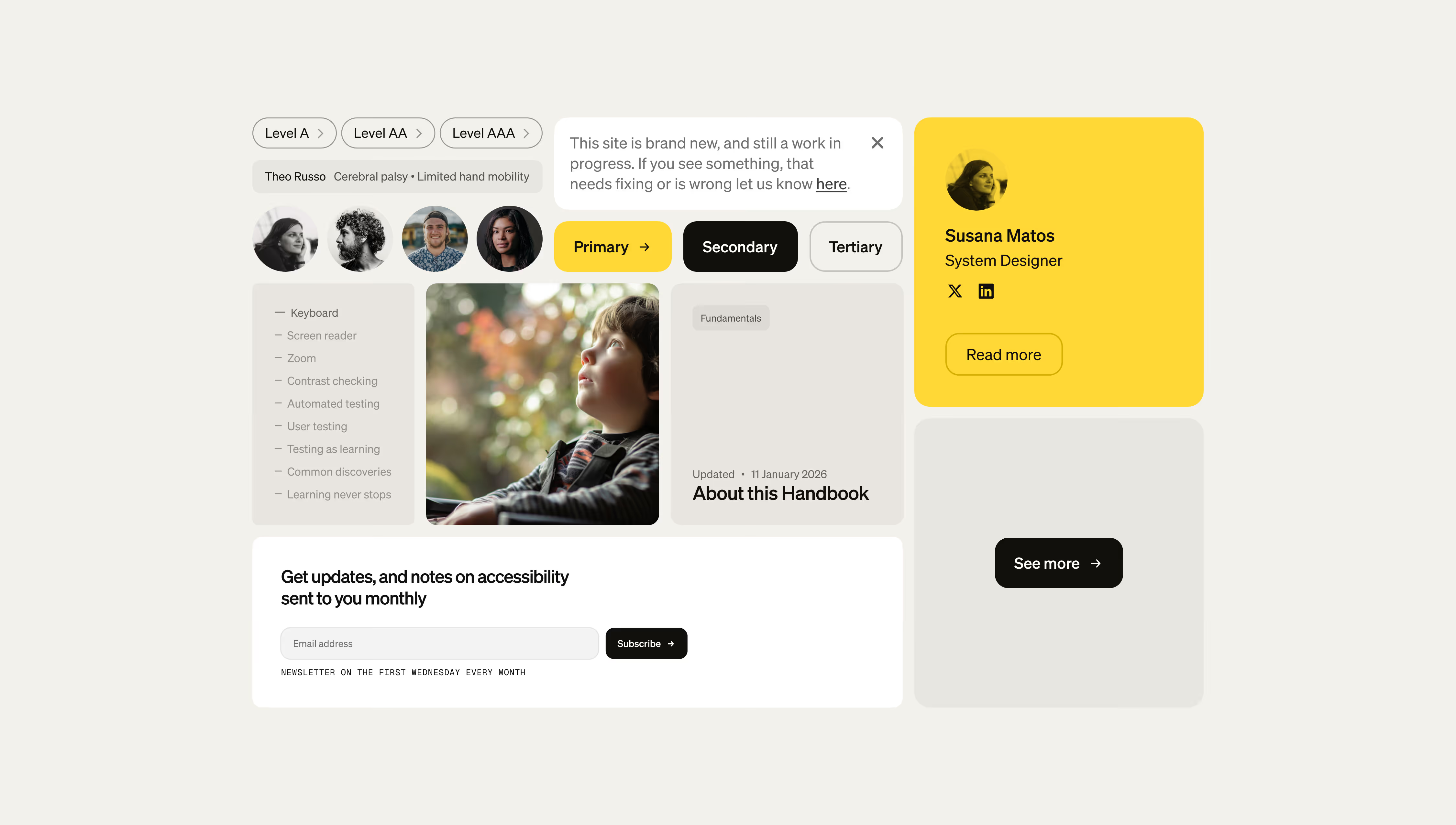
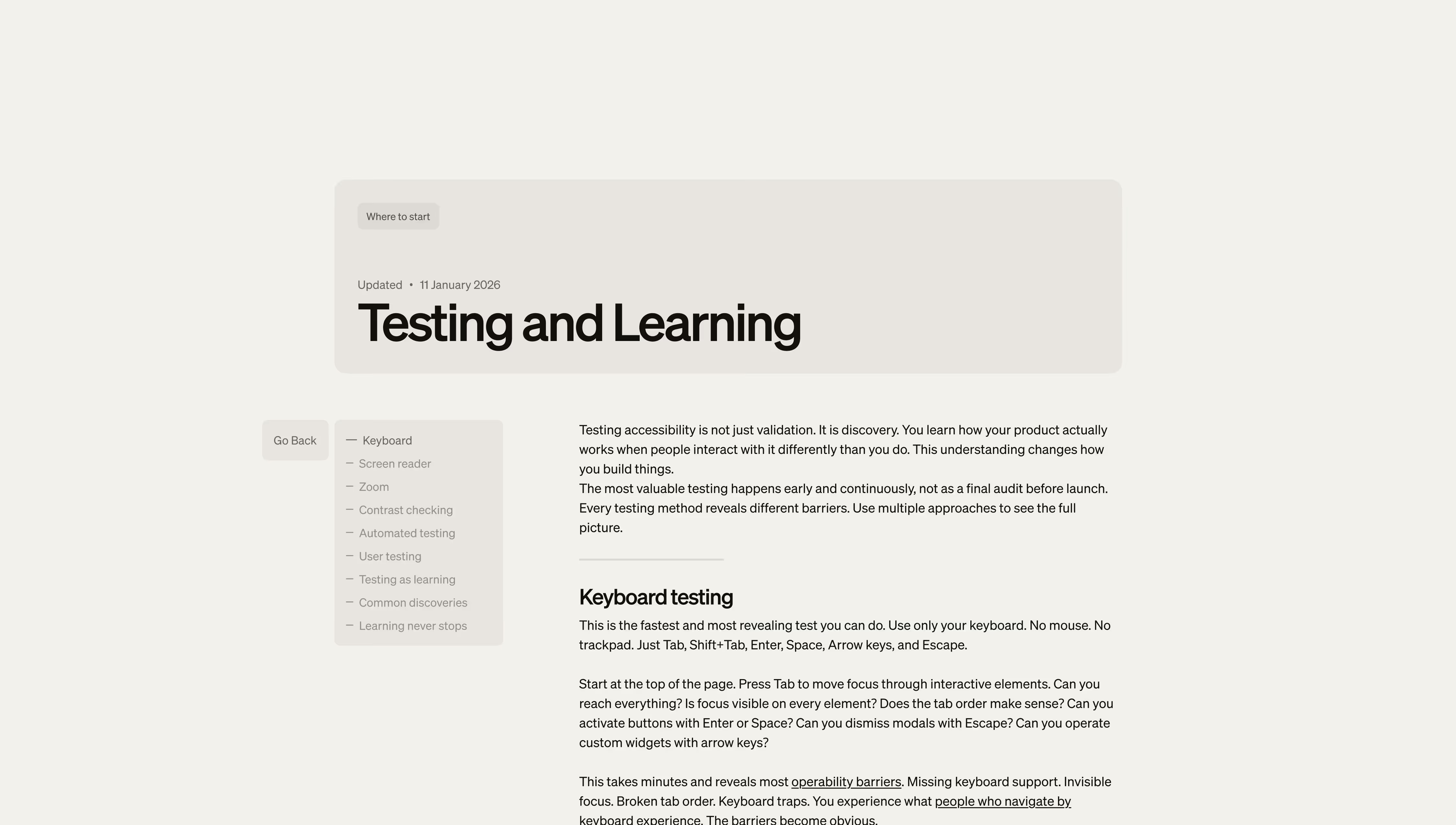
I designed the site to feel approachable without being sentimental. Every layout choice supports clarity.
  • Simple hierarchy
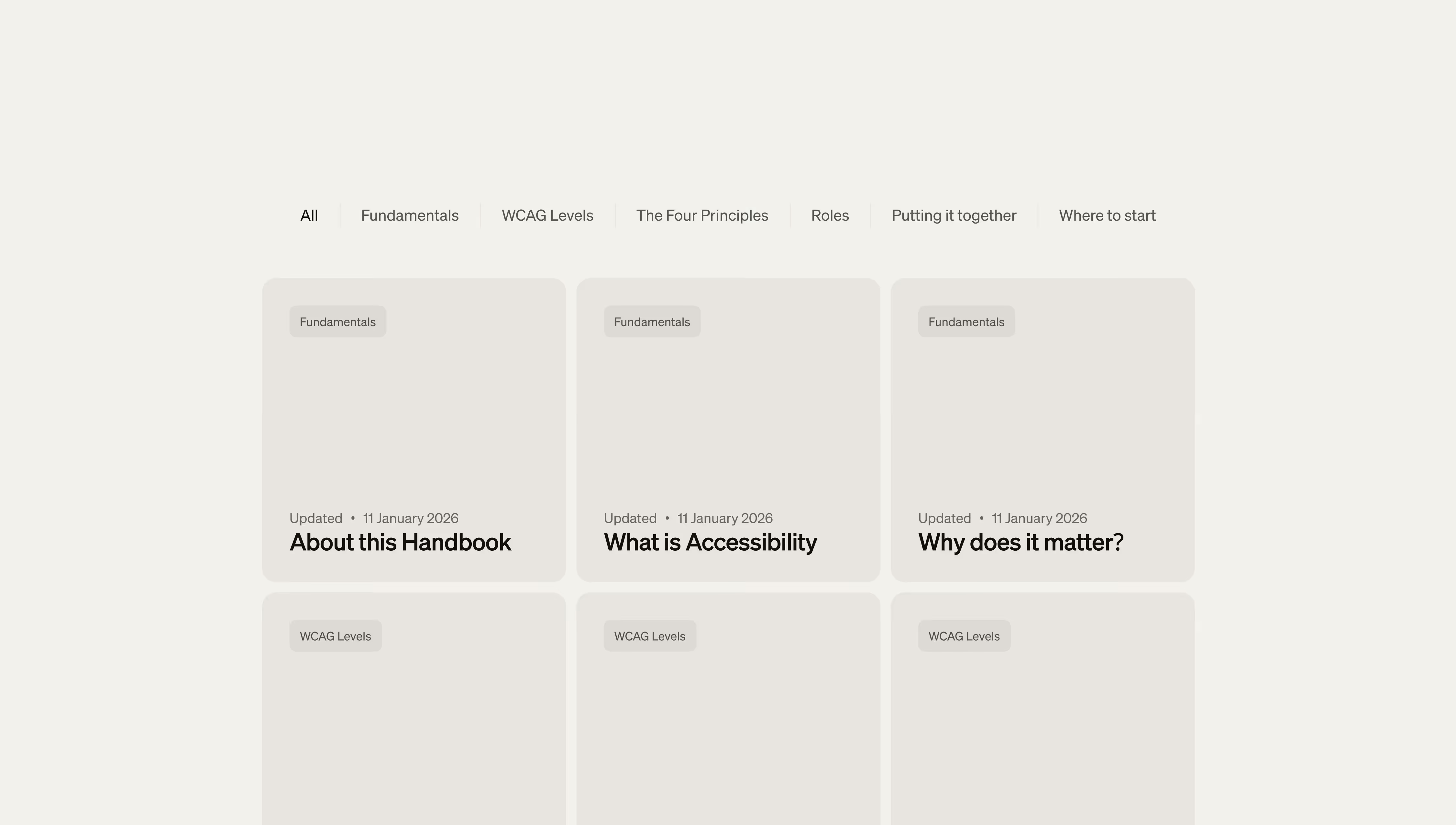
  • Straightforward cards
  • Short paths through the content
  • No empty decoration
  • No tricks to make the writing feel more important than it is

Current State

The Handbook is a practical tool teams can use at their own pace. Even now, it helps clarify responsibilities, resolve common issues earlier, and improve communication. The Handbook is a practical tool people can use at their own pace.

A pocket version is available for quick guidance while the full Handbook is being developed.

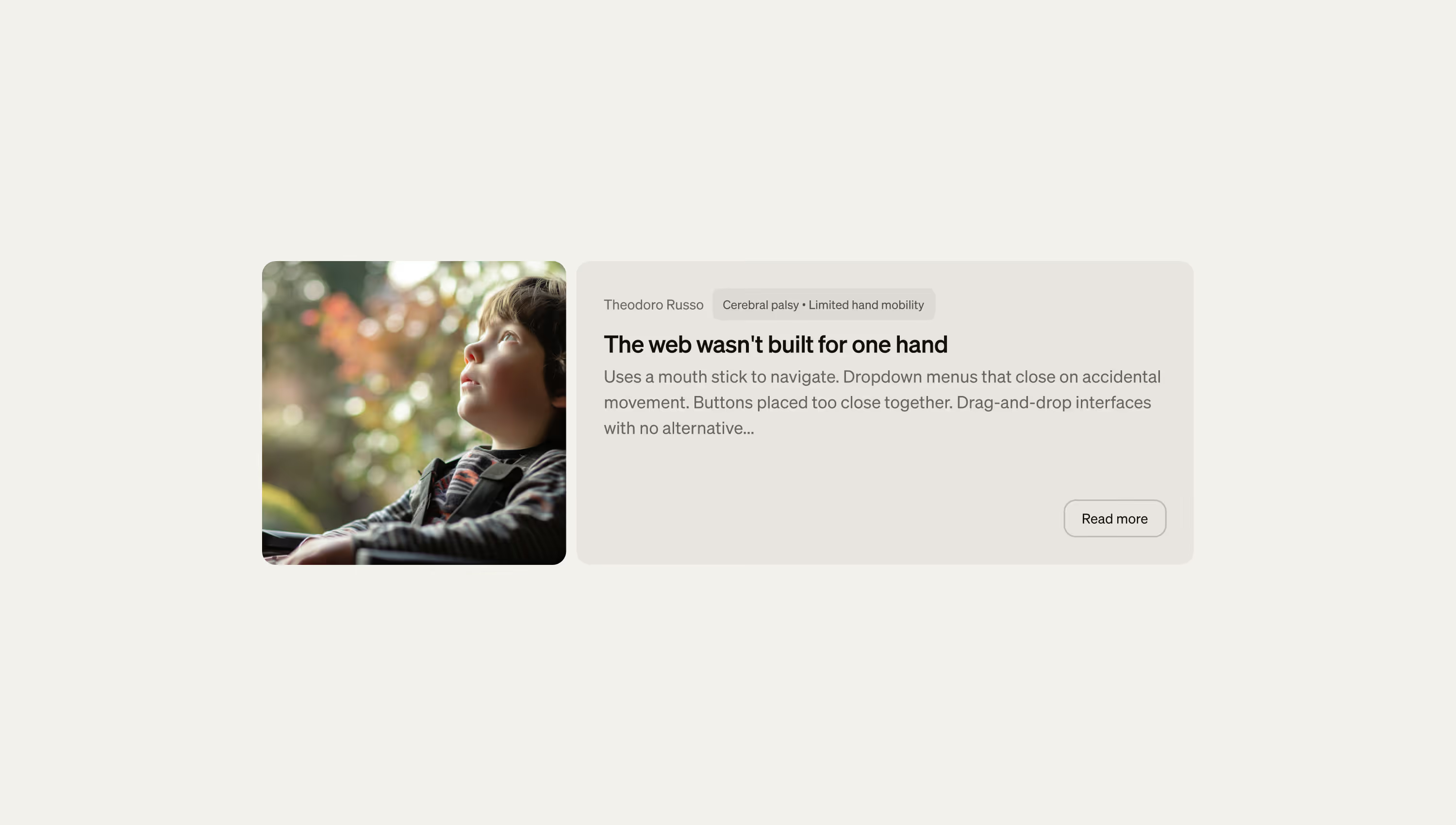
Everyone has a unique story to tell, regardless of ability or disability.